Arnio home page
Search...
⌘K
Get a demo
Log in
Academy
Developers
Search...
Navigation
GET STARTED
Webhooks
Docs
API Reference
Arnio Documentation
Arnio Documentation
Explore all features
About Arnio
CAMPAIGNS
Campaigns
Quickstarts
Concepts
How-to
iMessage campaigns
SMS campaigns
WhatsApp campaigns
JOURNEYS
Journeys
Quickstarts
AUDIENCE
Contacts
Concepts
Lists and segments
CONTENT
Templates overview
Message templates
GET STARTED
Quickstart
Credentials & Authentication
Send Message
Receiving Messages
Webhooks
Group Messages (Beta)
Client Packages
CORE CONCEPTS
Check if a number uses iMessage
Send a typing indicator to a recipient
Send voice notes to a phone number or group
AI Setup
Analytics
Arnio Dashboard
CHANNELS
Check if a number uses iMessage
AUTOMATION
AI Setup
ANALYTICS
Analytics
AI
Quickstarts
AI AGENTS
Concepts
INTEGRATIONS
Integrations
Quickstarts
Concepts
Supported integrations
SETTINGS
Account
User management
HELP & REFERENCE
Arnio support
Deliverability & compliance
Data protection
FAQ
Frequently Asked Questions
RATE LIMITS
Rate Limits and Message Queues
On this page
Setting Up Webhooks
Receive Webhooks
GET STARTED
Webhooks
Description of your new file.
Setting Up Webhooks
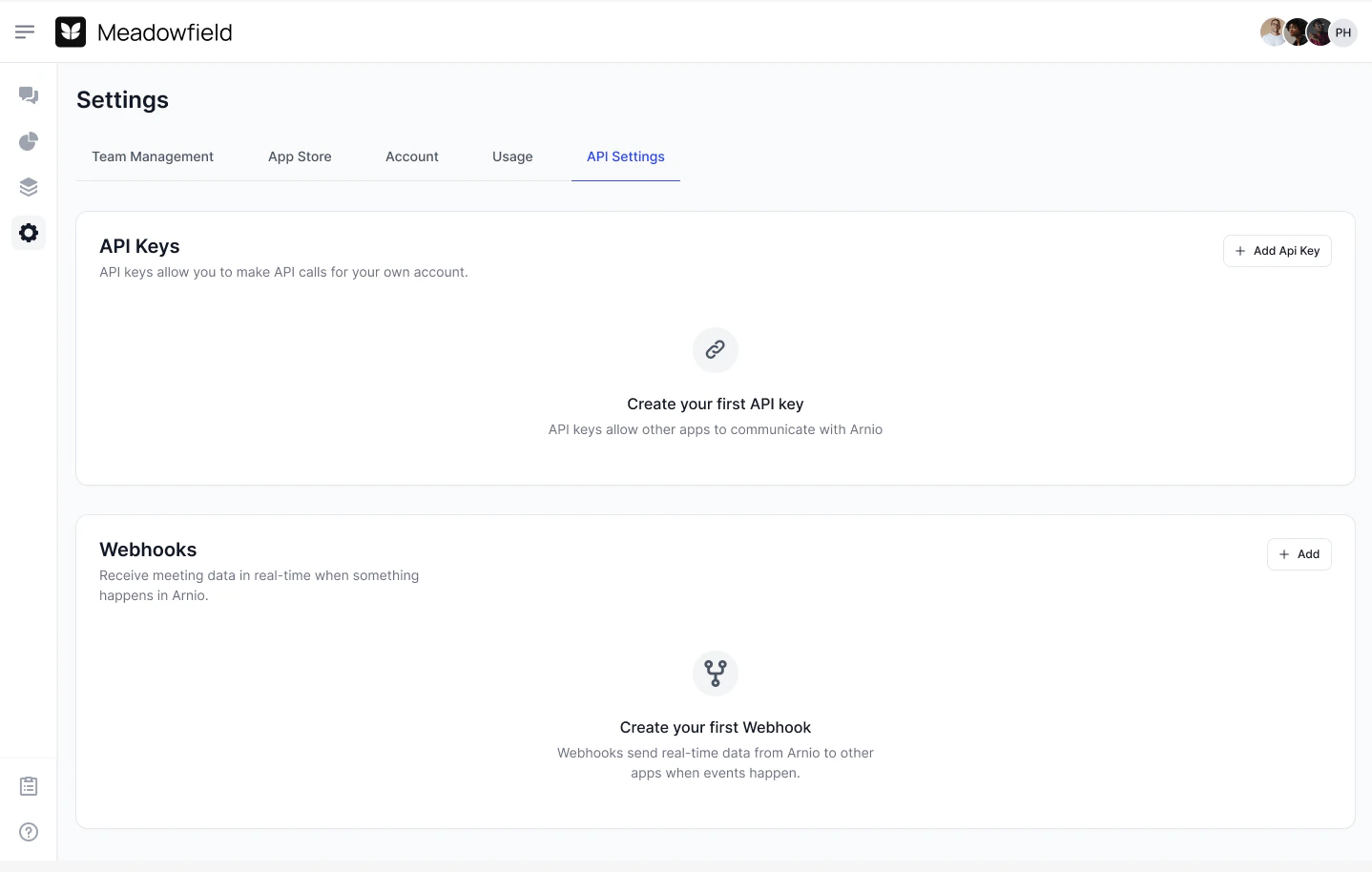
In the Arnio Dashboard, you can configure webhooks to receive events like inbound messages or message status updates.
Receive Webhooks
Receive webhooks are triggered when a user replies to one of your iMessage threads
Receiving Messages
Previous
Group Messages (Beta)
Next
⌘I