Navigating the Dashboard
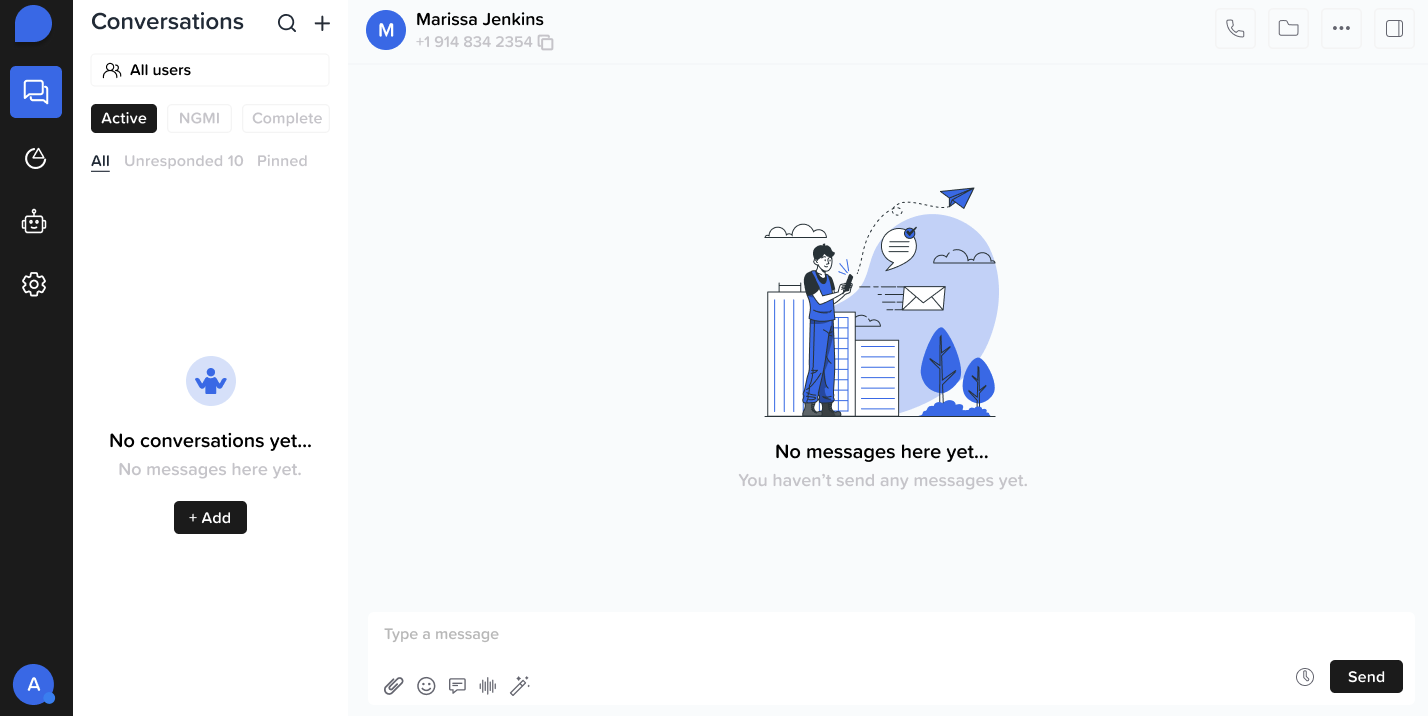
Conversation Tab
Track and manage all leads conversations in real time.- View incoming and outgoing messages
- Filter by lead status, rep or time frame
- Click into a thread to view message history
Analytics Tab
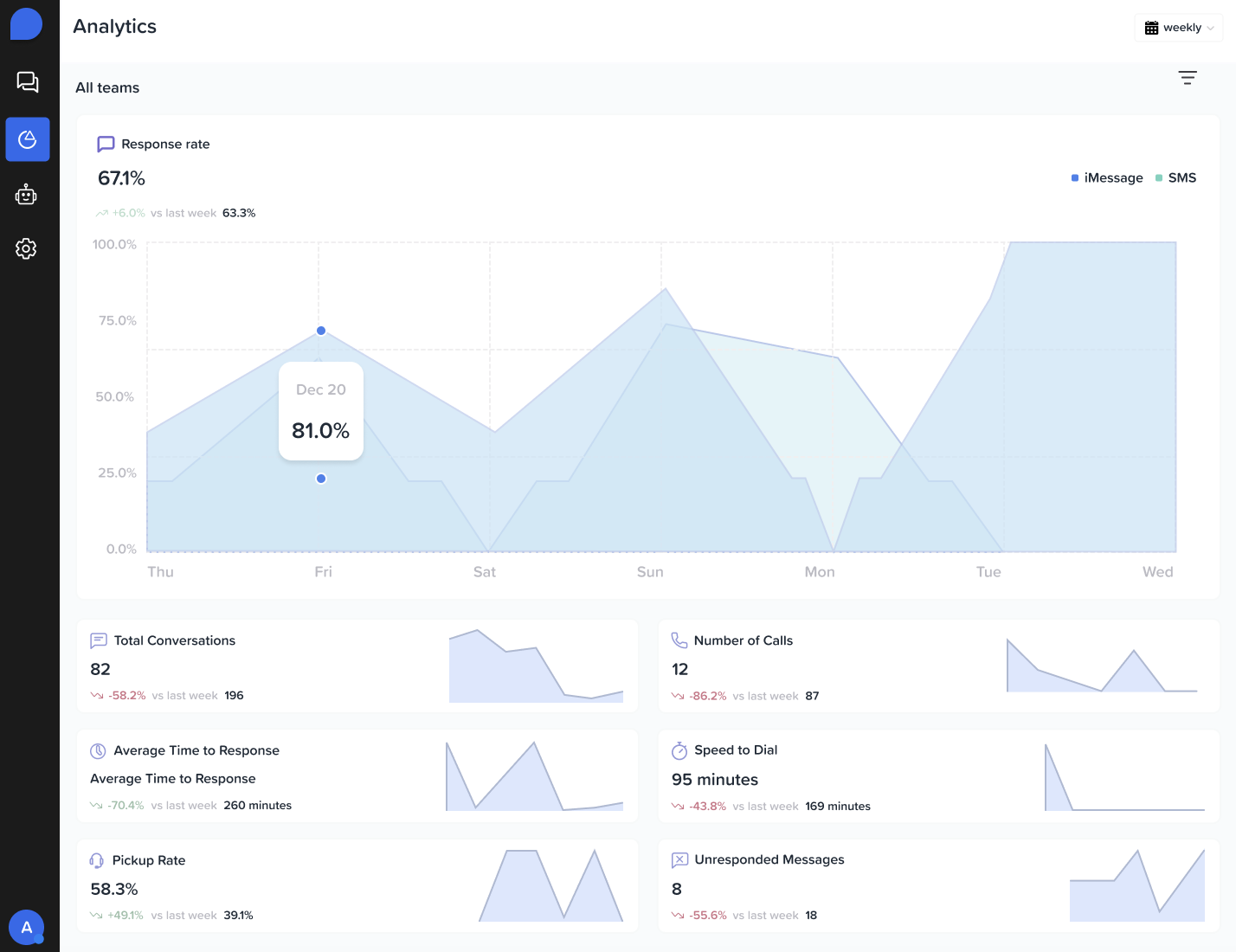
The Analytics dashboard helps you:- Monitor message engagement
- Lead responsiveness
- AI performance over time — giving you insight into what’s working and what needs improvement
Automation Tab
Set up and manage sequences, message triggers, and workflows. • Create multi-step automations (email + SMS + task reminders) • Use filters to assign automations based on lead attributes • Monitor performance of each automation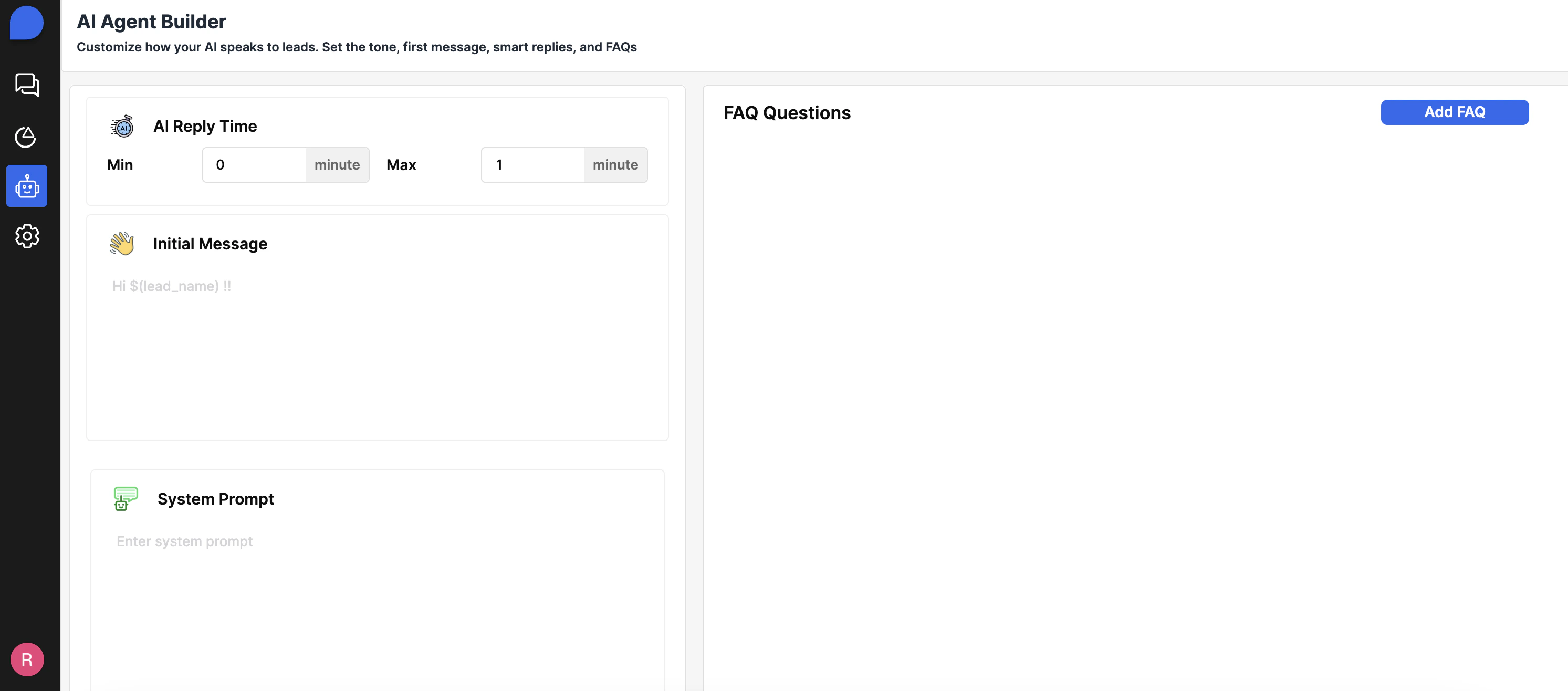
Settings Tab
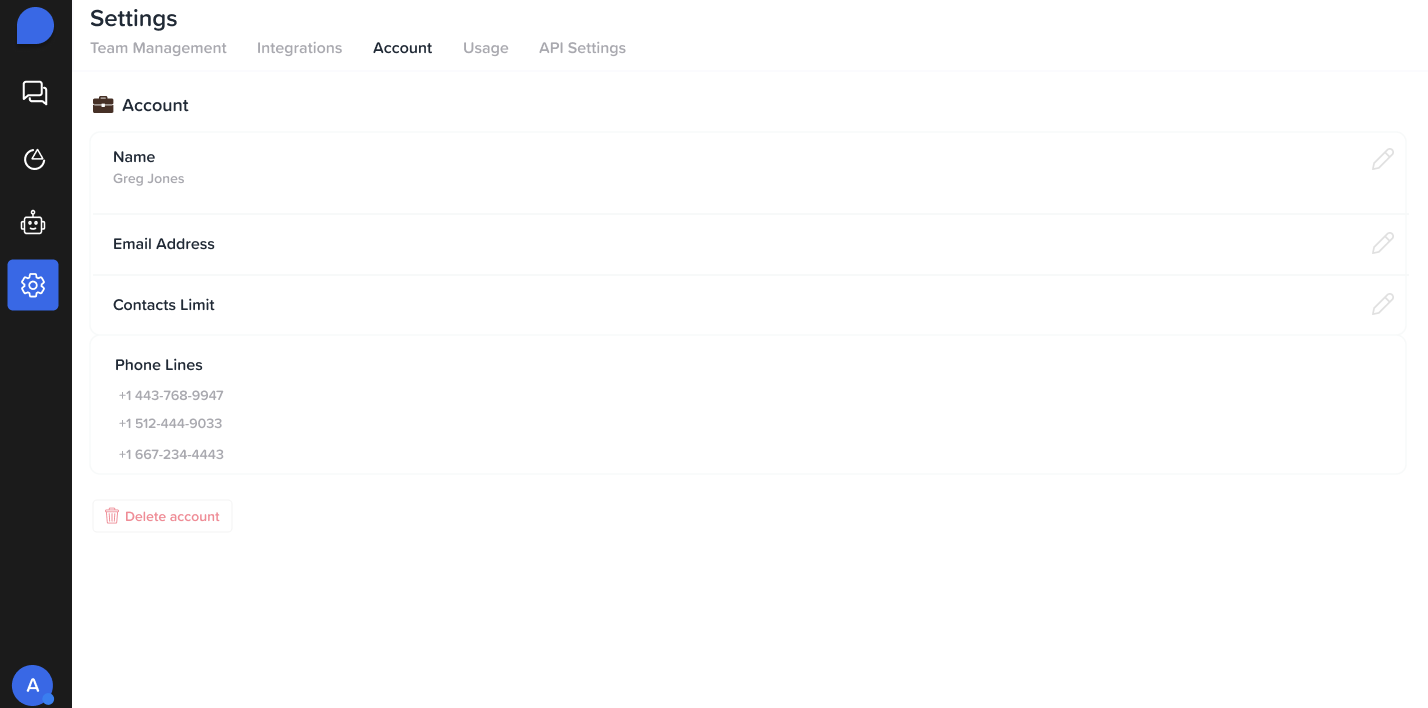
Manage global account and user preferences.-
Account Information:
- View the email associated with your account
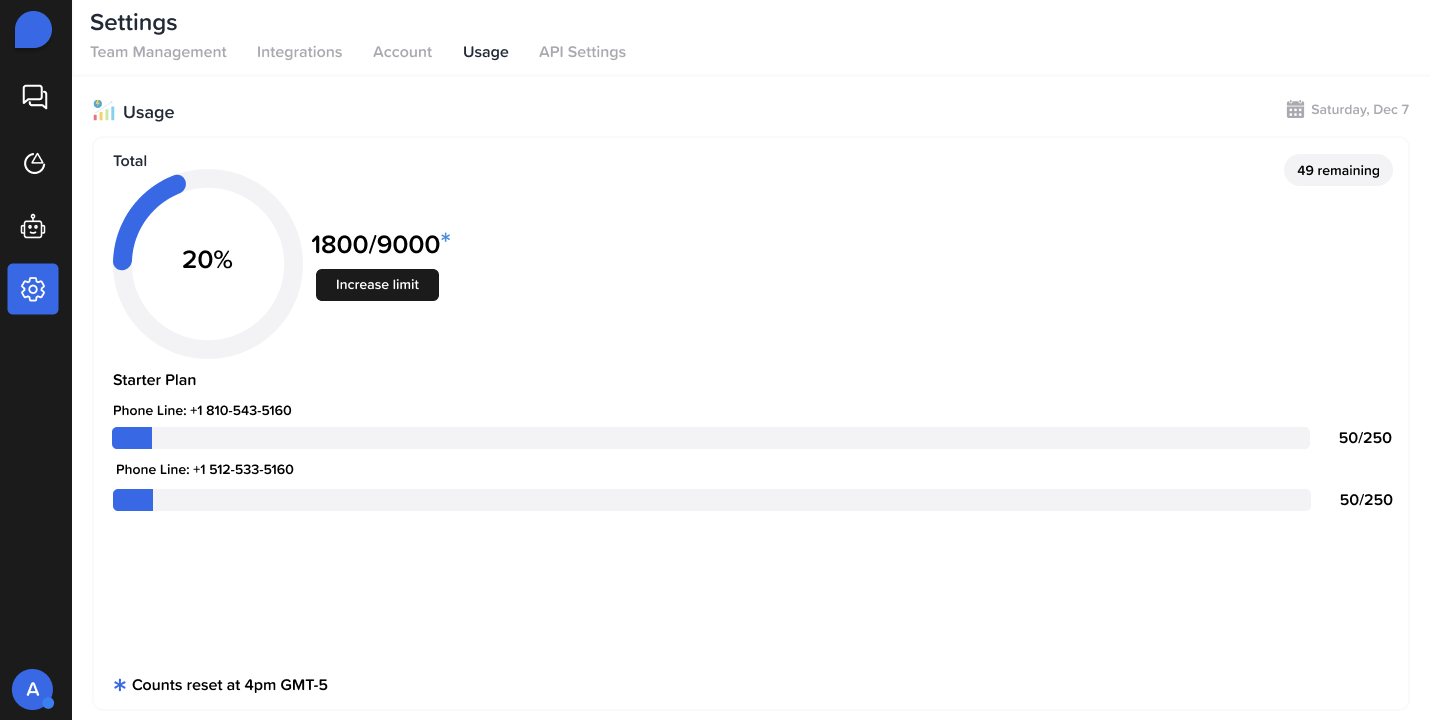
- Check your contact limit based on your current plan
- See which phone lines are assigned to your account
Usage Tab
Track the number of contacts used per phone line