Inbound messages are also delivered via webhooks. You must register the webhook in your Arnio Dashboard
CautionA user must be registered as a contact on your account before their messages will be routed to you. This can be done by sending them a message or adding them as a contact.Need receive-first texting? Talk to us about our dedicated plans.
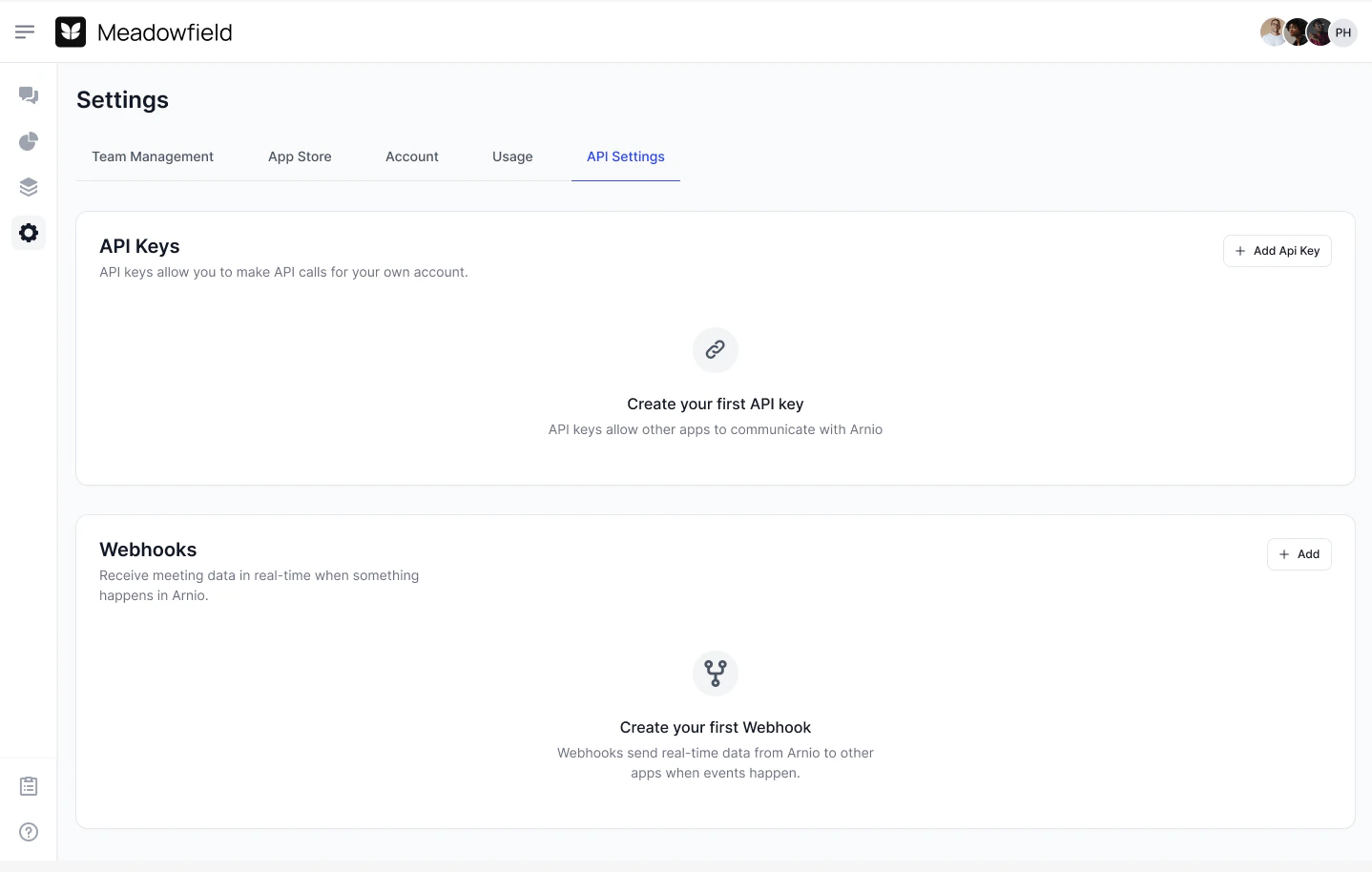
Learn more here: https://docs.arnio.co/api-reference/endpoint/get-messages Screenshot2025 09 07at4 27 21PM Pn
{
  "accountEmail": "support@arnio.co",
  "content": "Hey there!",
  "media_url": "https://cdn.example.com/image.png",
  "is_outbound": false,
  "status": "RECEIVED",
  "error_code": null,
  "error_message": null,
  "message_handle": "xxxxx",
  "date_sent": "2025-09-10T06:15:05.962Z",
  "date_updated": "2025-09-10T06:15:05.962Z",
  "from_number": "+19998887777",
  "number": "+19998887777",
  "to_number": "+15122164639",
  "was_downgraded": false,
  "plan": "enterprise"
}

Error Codes

CodeDescription
4000Validation error (see error_message)
4001Rate limit exceeded
4002Blacklisted number (e.g. emergency lines)
5000Internal error
5003Server rate exceeded
10001Message failed to send
10002Failed to resolve message status

Message Length

Messages must be fewer than 18,996 characters. Longer content should be split into multiple messages.

Useful Information

From Number

Each customer will always interact with your brand through the same dedicated Arnio number to maintain consistency and trust.

Handles

Every message has a unique message_handle, allowing you to query or resolve its status later especially useful in high-volume or queued scenarios.