> ## Documentation Index
> Fetch the complete documentation index at: https://docs.arnio.co/llms.txt
> Use this file to discover all available pages before exploring further.
# Arnio Dashboard
> Explore key tabs in Arnio dashboard: Conversation, Automation, Settings, and Usage
# Navigating the Dashboard
## Conversation Tab
Track and manage all leads conversations in real time.
* View incoming and outgoing messages
* Filter by lead status, rep or time frame
* Click into a thread to view message history
 ## Analytics Tab
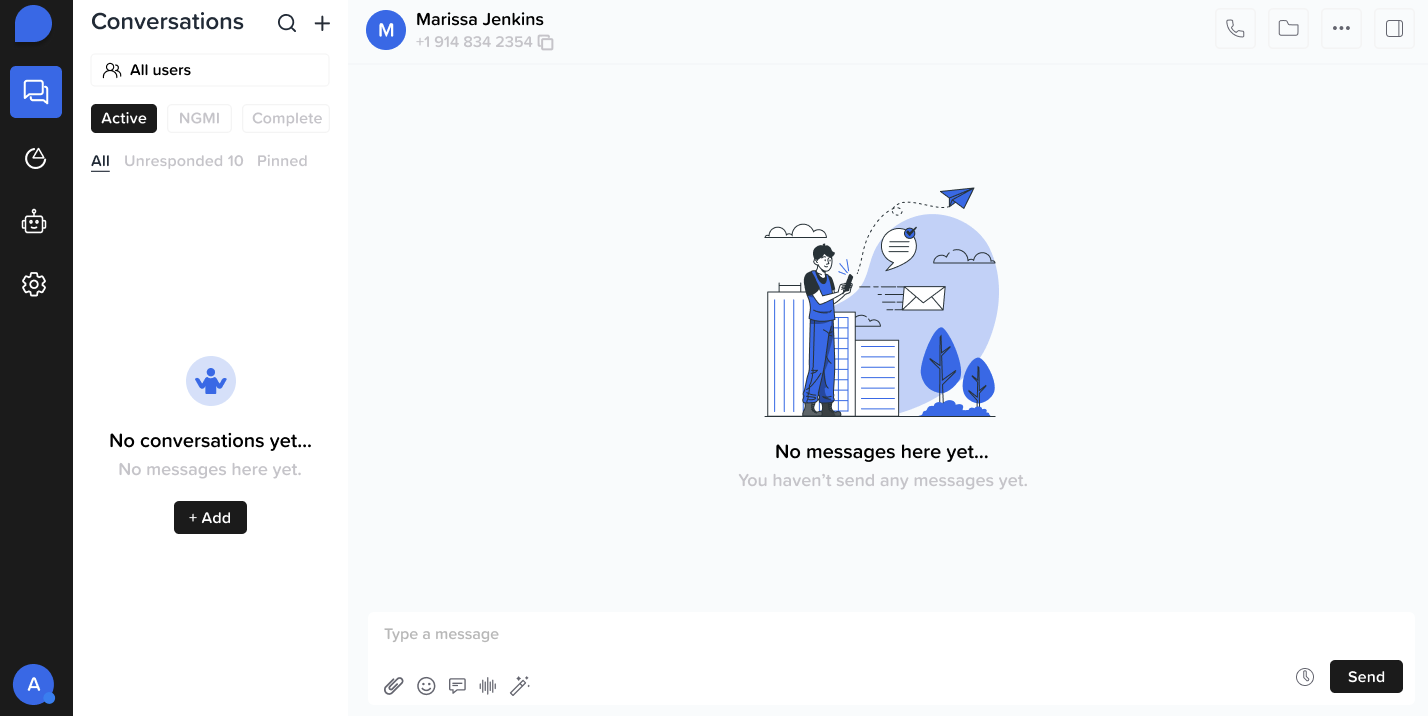
The Analytics dashboard helps you:
* Monitor message engagement
* Lead responsiveness
* AI performance over time — giving you insight into what’s working and what needs improvement
## Analytics Tab
The Analytics dashboard helps you:
* Monitor message engagement
* Lead responsiveness
* AI performance over time — giving you insight into what’s working and what needs improvement
 ## Automation Tab
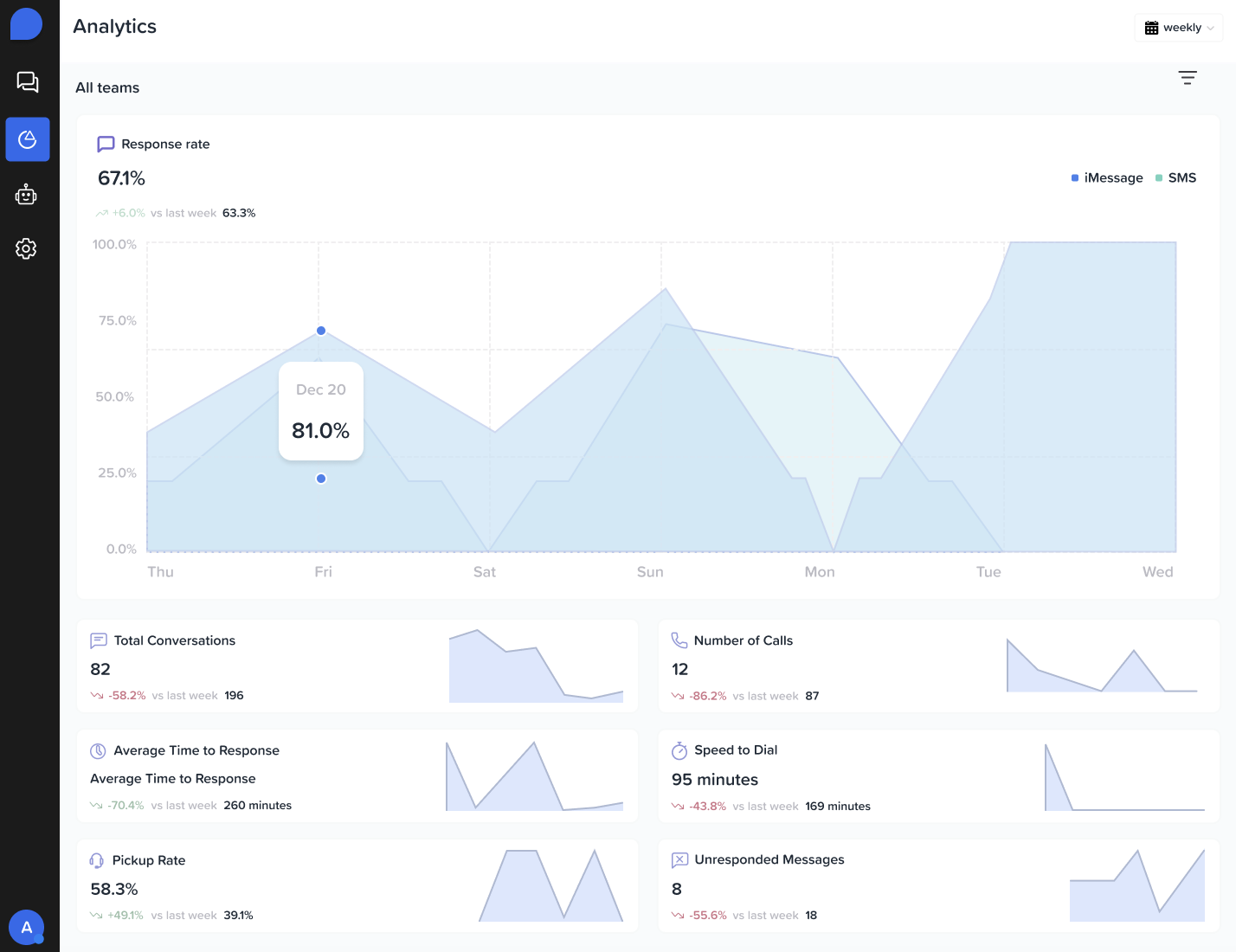
Set up and manage sequences, message triggers, and workflows.
• Create multi-step automations (email + SMS + task reminders)
• Use filters to assign automations based on lead attributes
• Monitor performance of each automation
## Automation Tab
Set up and manage sequences, message triggers, and workflows.
• Create multi-step automations (email + SMS + task reminders)
• Use filters to assign automations based on lead attributes
• Monitor performance of each automation
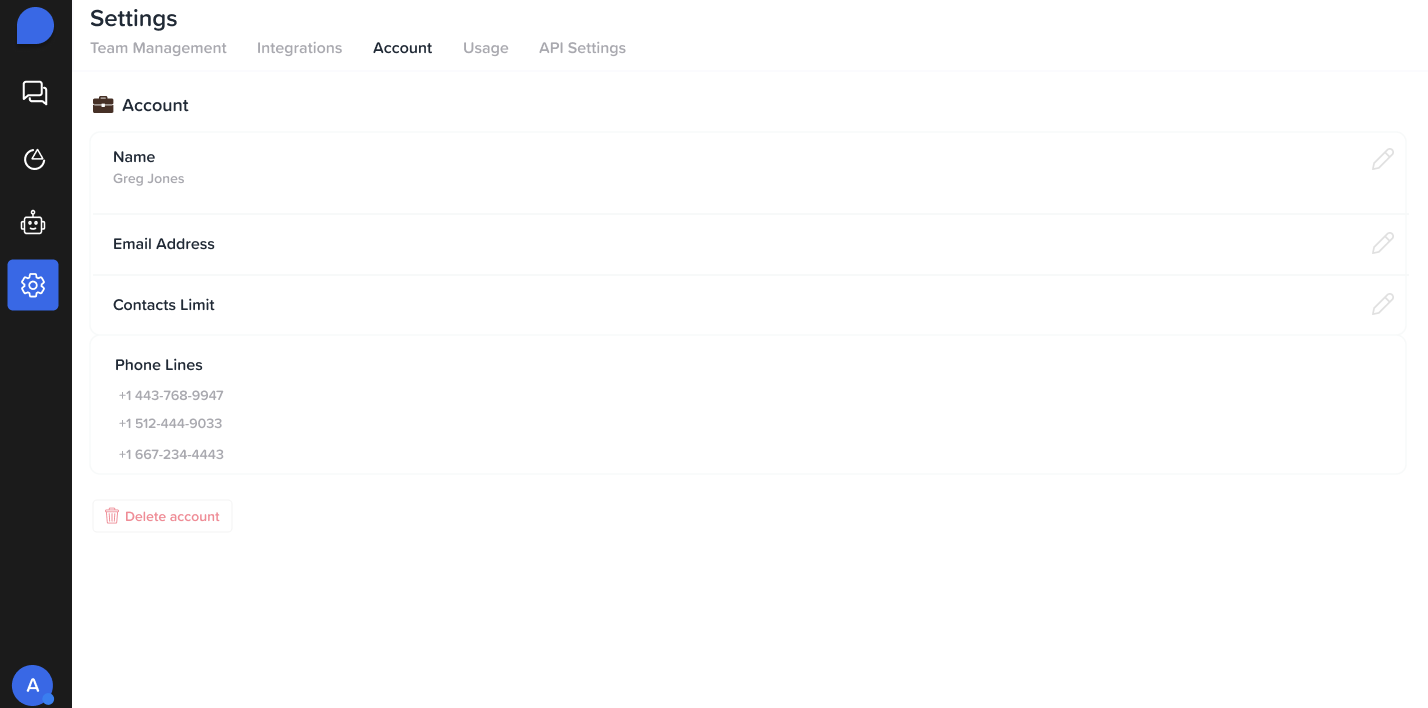
 ## Settings Tab
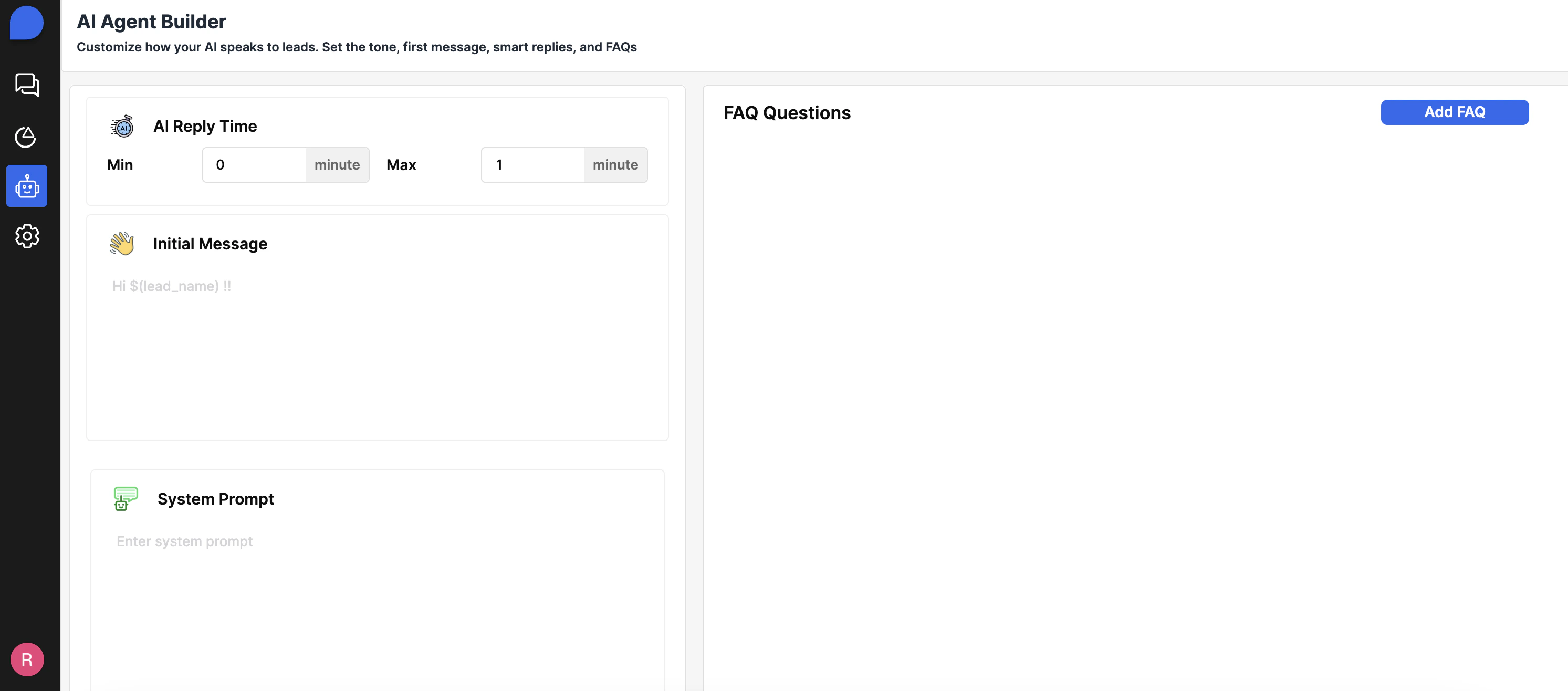
Manage global account and user preferences.
* **Account Information:**
* View the email associated with your account
* Check your contact limit based on your current plan
* See which phone lines are assigned to your account
## Settings Tab
Manage global account and user preferences.
* **Account Information:**
* View the email associated with your account
* Check your contact limit based on your current plan
* See which phone lines are assigned to your account
 ## Usage Tab
Track the number of contacts used per phone line
## Usage Tab
Track the number of contacts used per phone line